

1/8
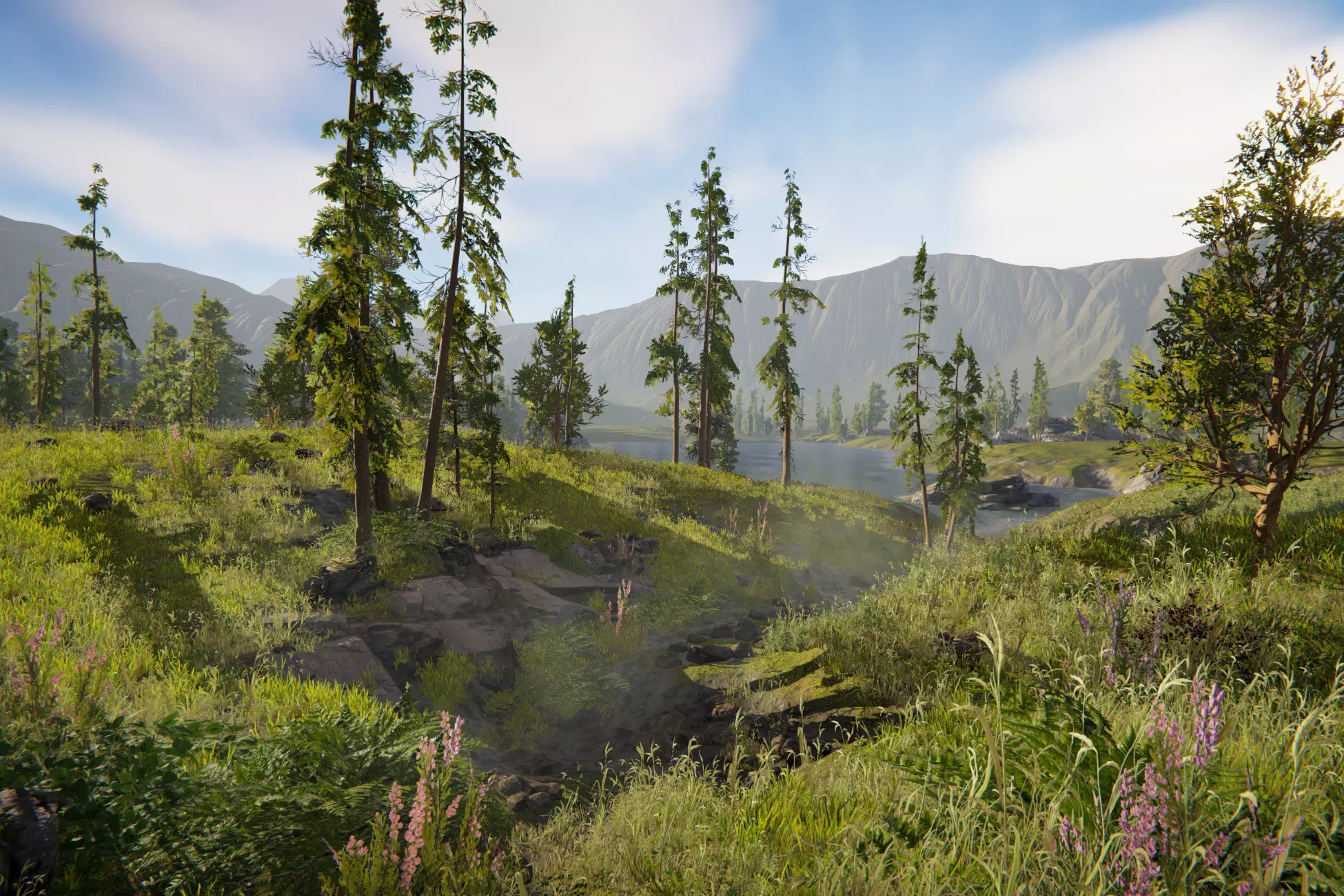


体验 Unity 的 Terrain 创作工作流程、SpeedTree 集成和 Universal Render Pipeline,帮助你构建和填充实时有机世界。
渲染管线兼容性
内置渲染管线是团结引擎/Unity的默认渲染管线,它是一种通用型渲染管线,但可定制化的选项较为有限。通用渲染管线(简称 URP)是一种可编程渲染管线,能够快速、轻松地进行定制,并可在广泛的平台上实现优化的图形效果。高清渲染管线(简称 HDRP)同样是一种可编程渲染管线,能够在高端平台上实现前沿的高保真图形效果。
团结/Unity版本
内置渲染管线
通用渲染管线(URP)
高清渲染管线(HDRP)
团结 1.9.0
不兼容
兼容
不兼容
描述
支持 Unity 2021.2+ 和 URP 12.1+
Unity Terrain - URP Demo Scene 及其包含的资源完全可自定义,可在你的 Unity 项目中复用。该场景使用 Terrain Tools 包精心打造,资源已针对低端桌面平台构建目标进行了优化。
在 Unity 博客中聆听创建此演示场景的 Unity 技术美术团队的分享。
开始使用
- 下载并将此包导入已启用 Universal Render Pipeline 的 Unity 项目。
- 导航到 Project Settings > Graphics,将 Scriptable Render Pipeline Settings 字段指向 URP-HighQuality Pipeline Asset。
- 导航到 Project Settings > Graphics > URP Global Settings,选择位于 Assets > TerrainDemoScene_URP > Settings > URP 文件夹中的 UniversalRenderPipelineGlobalSettings 文件。
- 查找位于 Assets > TerrainDemoScene_URP > Scenes 的 TerrainDemoScene.unity 场景文件。
- 打开它开始探索。
场景包含一系列带有注释和教程的 Bookmarks。选择“Bookmarks”下的任意对象以查看详情。
进入 Play 模式将启动一段飞越序列,展示环境效果。
技术细节
For Unity Terrain - URP Demo Scene 地形 - URP演示场景
Unity 海外资源商店评分
3.5(74条评分)
国内数据
6753浏览
83收藏
当前价格
免费
仅支持将资源分配给中国区用户,其他区域账号暂不支持
许可证类型
如对许可证类型有疑问,请查阅EULA
席位
文件大小
2.8 GB
最新版本
1.0.0
最新发布日期
2026-08-03
支持Unity版本
/
支持的团结引擎版本
1.9.0或更高


